>
>
NEW
Animated Arrow Button
Button
Free
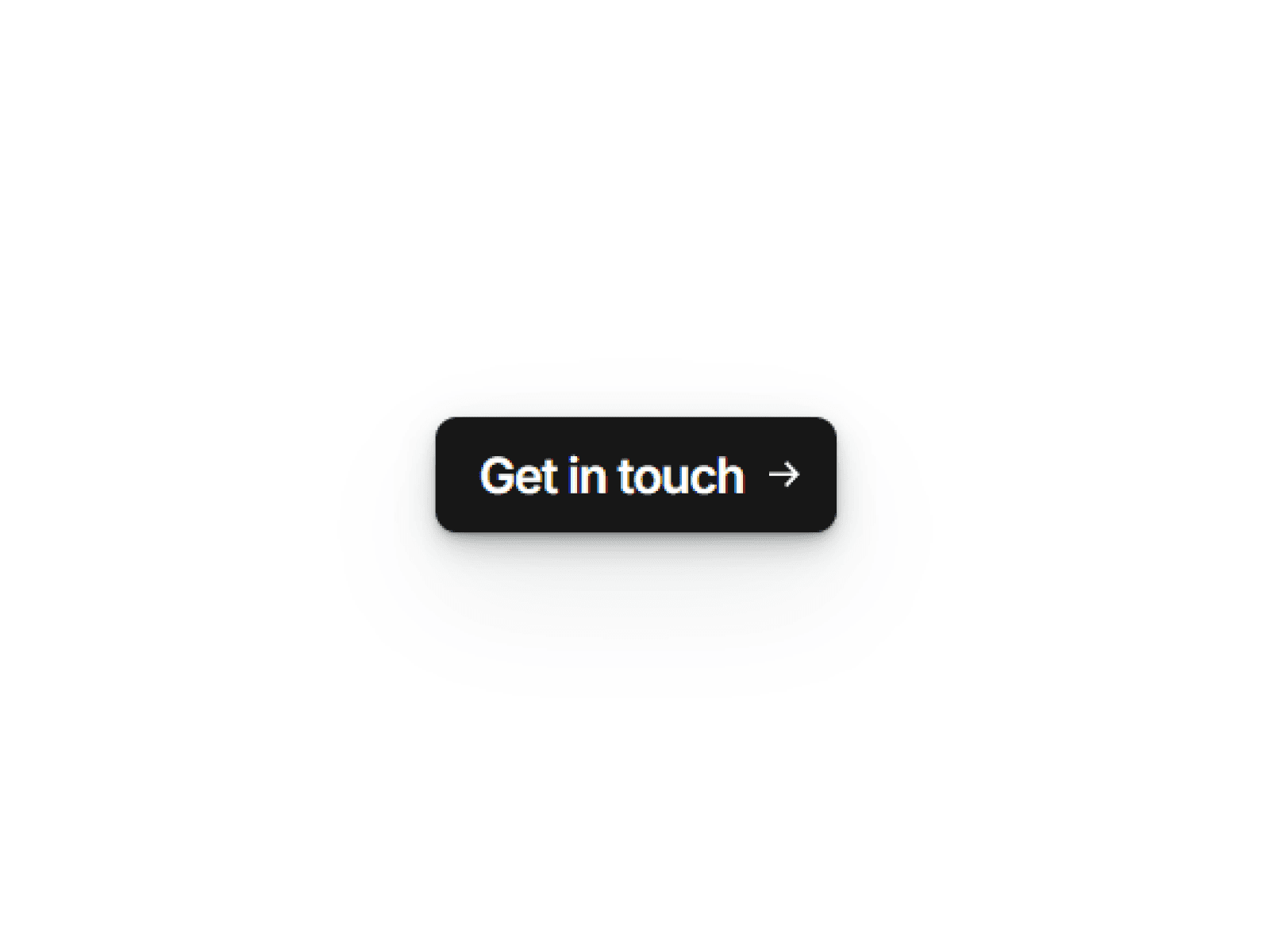
Animated Arrow Button is a sleek and dynamic component designed to make your call-to-actions stand out. When the user hovers over the button, the arrow smoothly slides out to the right and reappears from the left, creating a continuous and elegant motion effect — perfect for adding a sense of flow and interaction to your website.
What people are saying














FAQ
Learn how our templates work, what’s included and how to get started.
Is this better than hiring a designer or developer?
If you want a faster and more affordable way to launch a high-quality website, templates are a great option. You get a professionally designed foundation without the high cost or long timelines.
Do I need to know how to code?
No — all templates are built to be fully customizable inside Framer without any coding. You can edit text, images, colors and layout visually.
What’s included with the template?
Each template includes the full Framer project file, a Figma design file, a step-by-step video tutorial and post-launch support to help you get everything set up.
How easy is it to customize?
Very easy. The templates are built with a clean structure, making it simple to update content, change styles and adapt everything to your needs.
Can I use the template for client projects?
Yes — you can use the templates for personal or client projects. They’re designed to help freelancers and agencies deliver high-quality websites faster.
How long does it take to launch a website?
You can have your site live in just a few hours, depending on how much customization you need. The included video tutorial guides you through the process.
Do you offer support after purchase?
Yes — if you have any questions or need help after purchasing, you’ll have access to post-launch support to make sure everything runs smoothly.